
STEP 1
Click on this link – Open an Account
Enter your mobile number and input the OTP received on your mobile.

Click on this link – Open an Account
Enter your mobile number and input the OTP received on your mobile.

Fill in your PAN Card details and date of birth to fetch the relevant information linked to your PAN Card.
1 : Tick the box to proceed further.
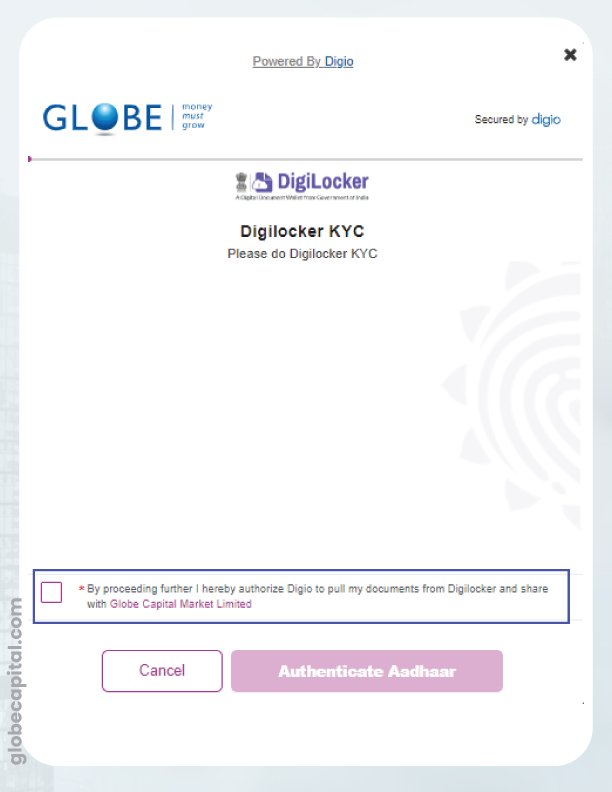
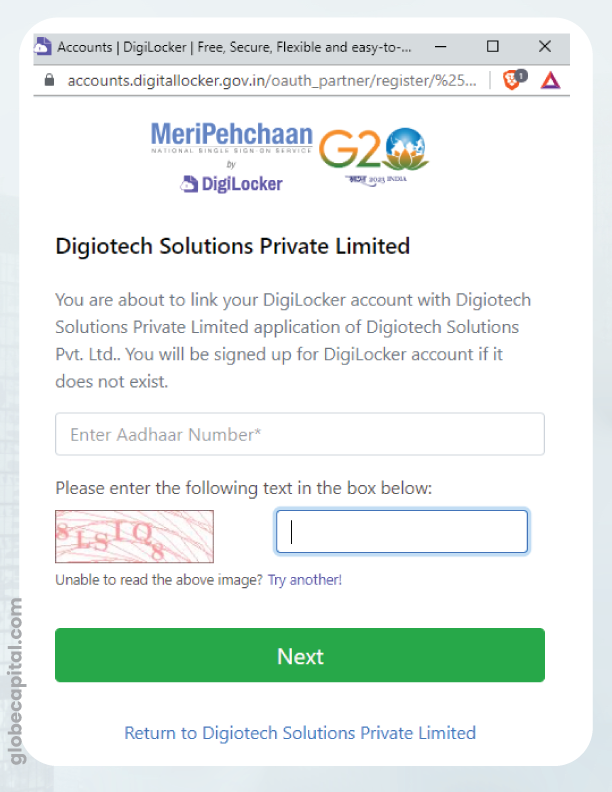
2 : Enter your Aadhaar card number along with the captcha.
.
2 : In this step, you will be asked to enter a 6-digit DigiLocker Security PIN.
Please choose any 6-digit PIN of your choice. If it shows as incorrect, click on “Forgot Security PIN”. You will be directed to a page where you will be asked to re-enter your Aadhaar card details and then create a new PIN.


Please click on “Allow”.
Your DigiLocker KYC process is now complete.
Provide accurate personal information for the Know Your Customer (KYC) process.
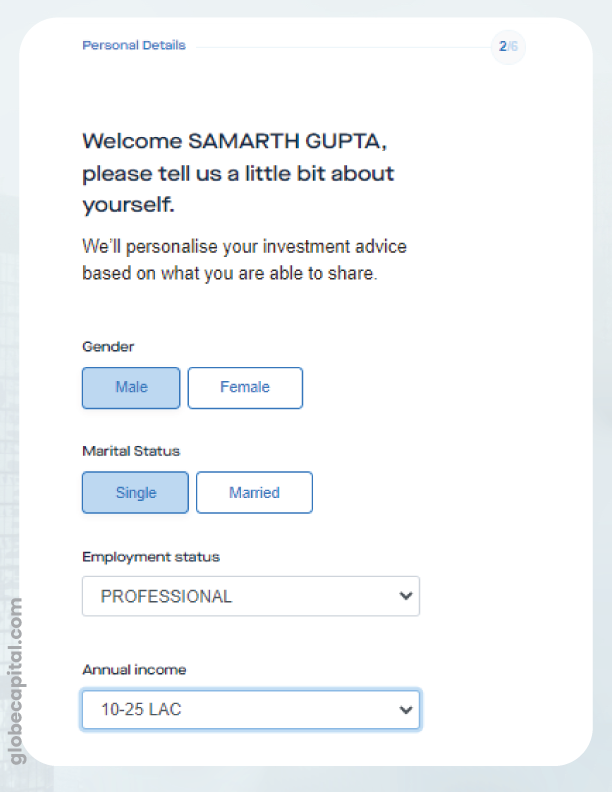
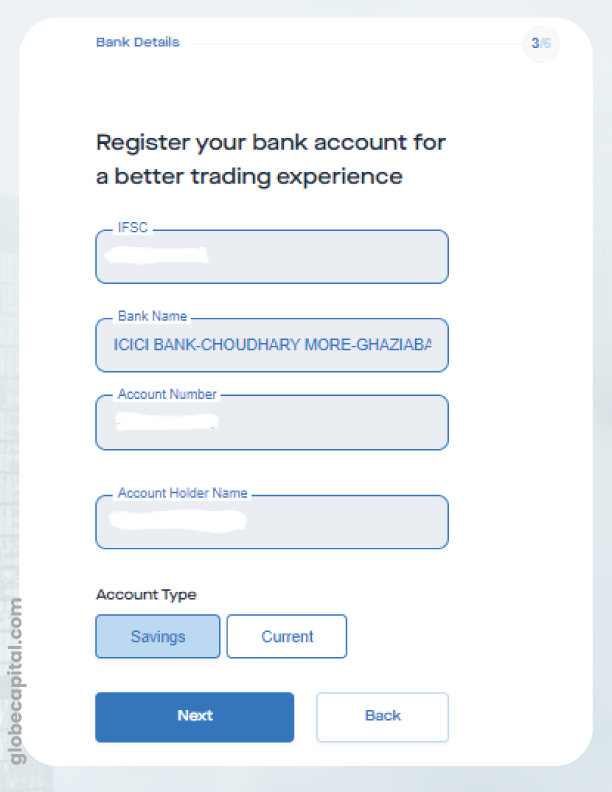
Fill in your Bank A/c details for efficient funds management in your trading and DEMAT account.
This step will help us understand to serve you better. We would like to understand the investment products you intend to utilize.
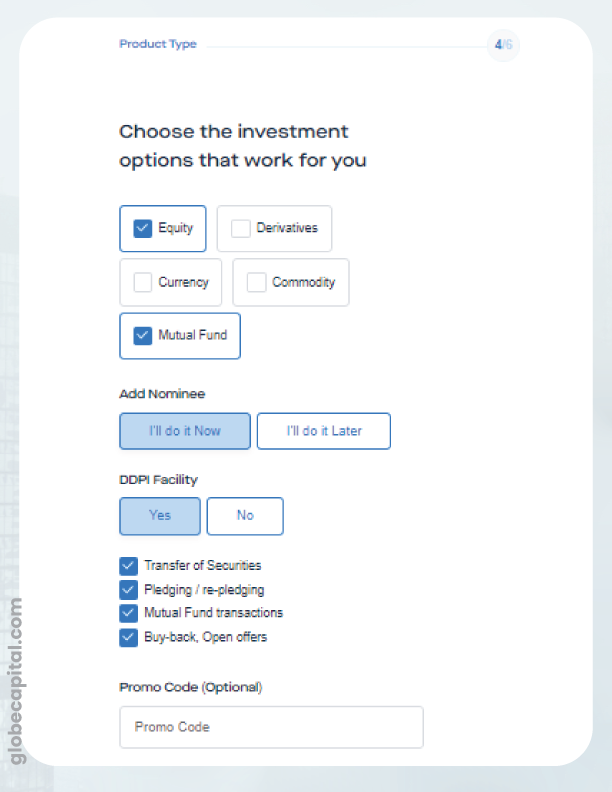

Another easy task. Provide the nominee details.
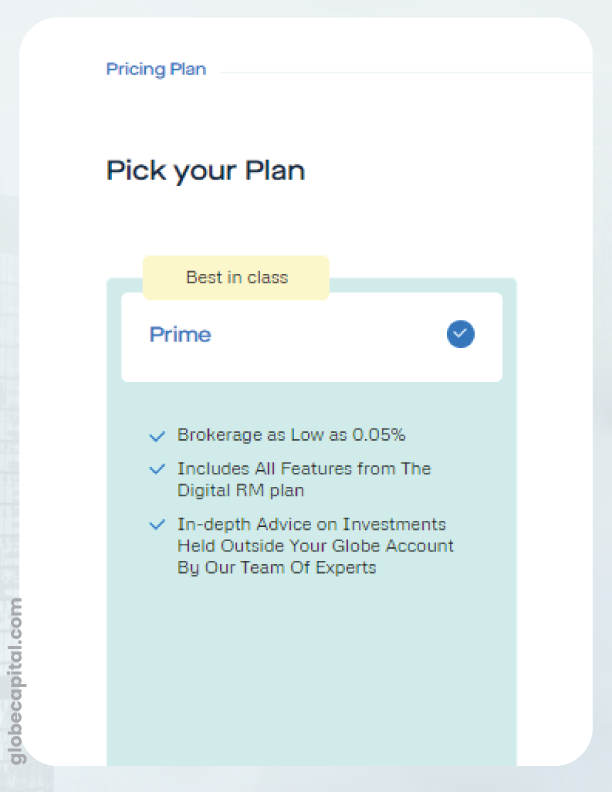
Review the pricing plan for the services you will be offered.
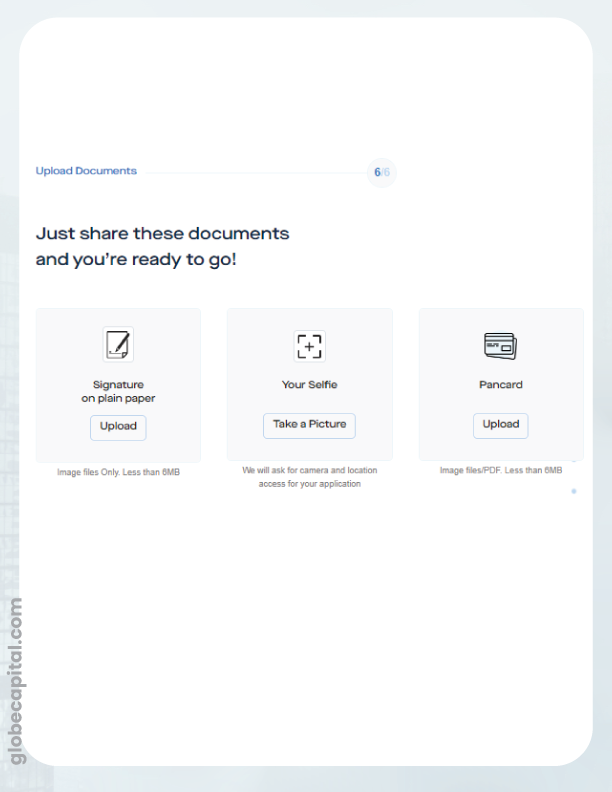
In the final step of the account opening process, you need to: –
Enter your email address and the OTP received on your email address.

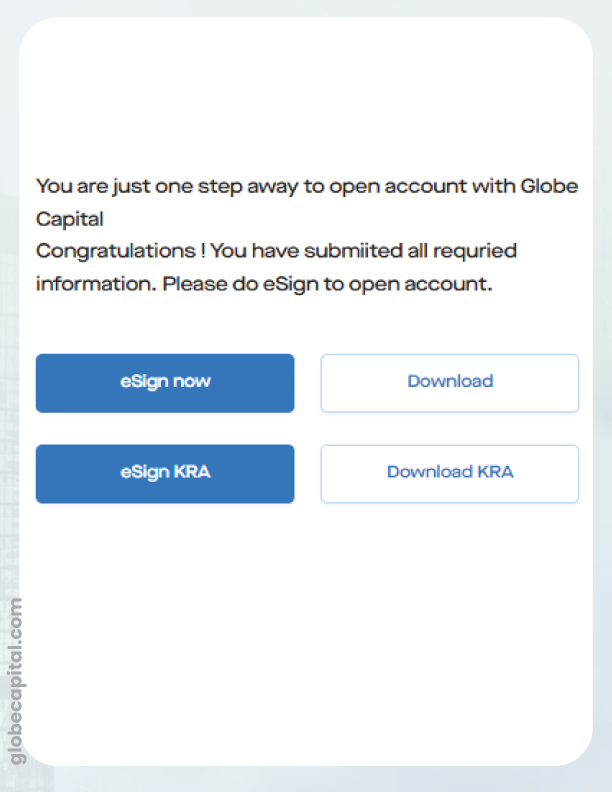
In the last step, complete two e-signs using your Aadhaar card number. Please keep your Aadhaar card handy for this step.